
Add books to your library with an ISBN scan
Scan a book’s ISBN barcode on iPhone, review available book details and add it to your Bookleap library. Keep manual entry ready for books without a match.
This guide describes the iOS ISBN scanner. Online lookup needs internet; some features require Premium.
By the Bookleap team · Updated
How Bookleap helps you read
Point your iPhone camera at a book’s ISBN barcode, search for a matching edition and review the available details before adding it to Bookleap. ISBN scanning reduces manual entry when a match exists; you can still enter or edit a book yourself when the catalog does not have it.
Start from the edition in your hands
An ISBN identifies an edition rather than just a story title. Scanning the barcode is a useful starting point when you want the author, cover or page count for a physical book.
Search results depend on the available book catalog and an internet connection. An ISBN scan is not a guarantee that every edition, language or cover will be found.
Review the result before it joins the library
Check the title, author, cover and page count returned by the lookup. If a different edition appears, correct the information instead of treating the scanned result as final.
A catalog can provide incomplete metadata. Manual entry remains useful for older books, books without an ISBN and editions that are missing from search.
Organize the book after adding it
Choose a reading status and place the new book in a category or monthly plan. Once the title is in the library, it can have progress, sessions, notes and quotes like your other books.
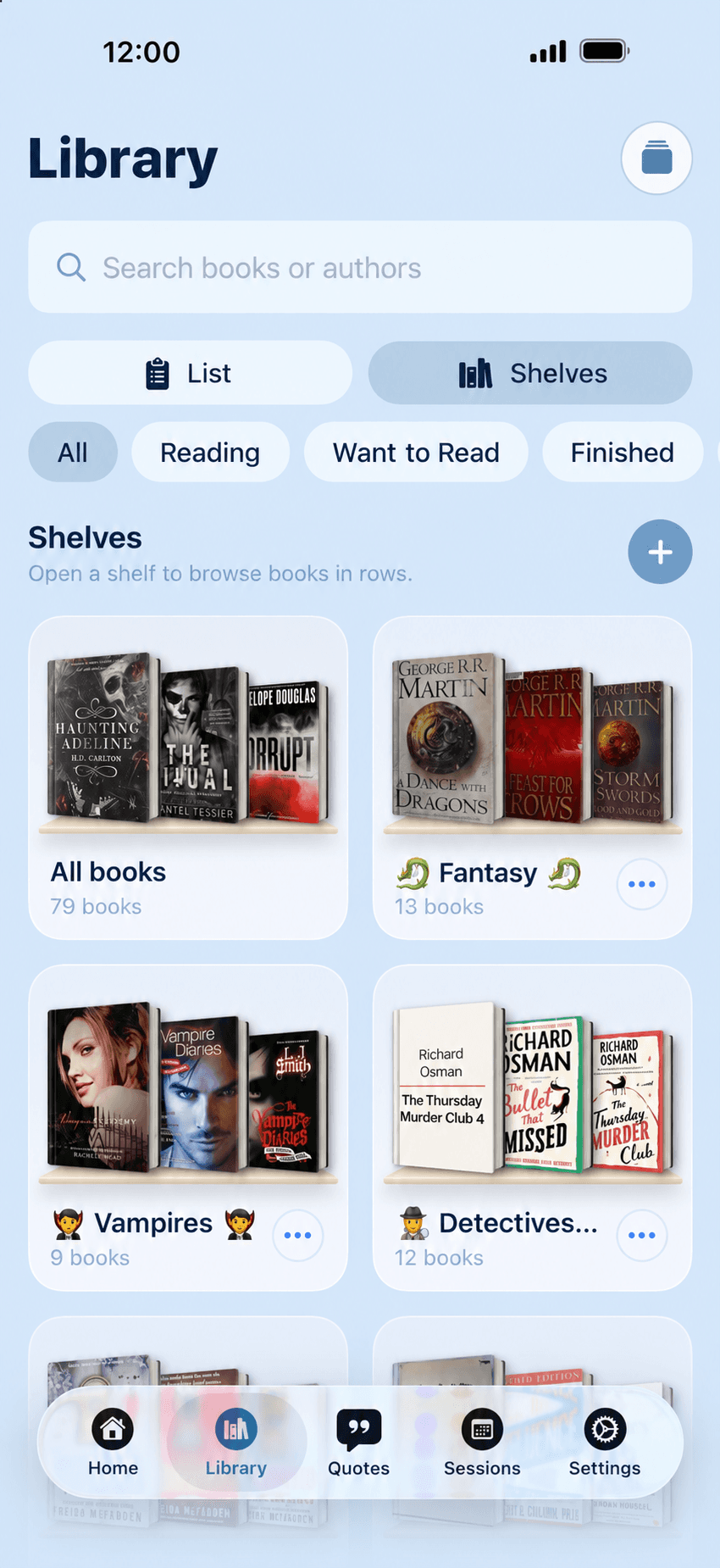
Give the books on your shelf a searchable home
Scan an ISBN, check the result and start your personal book catalog.
This guide describes the iOS ISBN scanner. Online lookup needs internet; some features require Premium.
Getting started with isbn book scanner
Find the ISBN barcode
Use the barcode on the book cover and allow camera access when requested.
Scan and review
Use the iOS ISBN scanner, wait for the online search and check the result.
Save the book
Correct any missing details, add the book and choose its reading status.
An everyday example
You are organizing a shelf of books you already own. Scan a barcode, check the edition and page count, then add the book to a category. If one older title has no search match, enter it manually and continue.
Questions and answers
Does ISBN scanning work offline?
The camera can read a barcode, but the online book lookup needs a connection to find catalog details.
Will every ISBN return a book?
No. Results depend on catalog coverage and the edition. You can add the book manually if no suitable match appears.
Can I edit the returned book details?
Yes. Review and correct the book information rather than assuming every imported field matches your copy.
Can I scan a page to turn it into an ebook?
No. ISBN scanning reads a book barcode to help add a catalog entry; it is not page scanning or ebook digitization.
Give the books on your shelf a searchable home
Scan an ISBN, check the result and start your personal book catalog.
This guide describes the iOS ISBN scanner. Online lookup needs internet; some features require Premium.