
Turn your reading into a card you want to share
Make monthly book shelves, reading calendars, quote cards and yearly book collages on iPhone. Customize Bookleap Share Studio images for posts and Stories.
Share Studio described here is available on iOS. Some features require Premium.
By the Bookleap team · Updated
How Bookleap helps you read
Bookleap Share Studio on iOS creates images from your own reading: monthly and yearly shelves, calendars, quotes, streaks, achievements and a selected book of the year. Adjust the background, text and layout, then export a square, portrait or landscape card, including a 9:16 Story.
Start with the reading you actually recorded
Choose a monthly shelf to show completed covers, a calendar to tell the story of active days, or a quote for one line you want to keep. Different card types serve different reading memories.
A book-of-the-year card needs an existing tournament result; quote cards use your saved quotes. Select a card that has the underlying data available.
Shape the image for the place you will post it
Use square 1:1, portrait 4:5, Story 9:16, landscape 16:9 or wide 1.91:1 formats. Change backgrounds, text and supported layout controls to suit your image.
For book shelves, you can include ratings; for supported summary text, choose the measures worth showing. A small set of readable details is easier to follow than a crowded card.
Review the export before publishing
Save or share the exported image using the available iOS actions. Check book covers, ratings and text in the final format, especially when moving from a square post to a tall Story. Exporting a card does not automatically publish it to your social accounts.
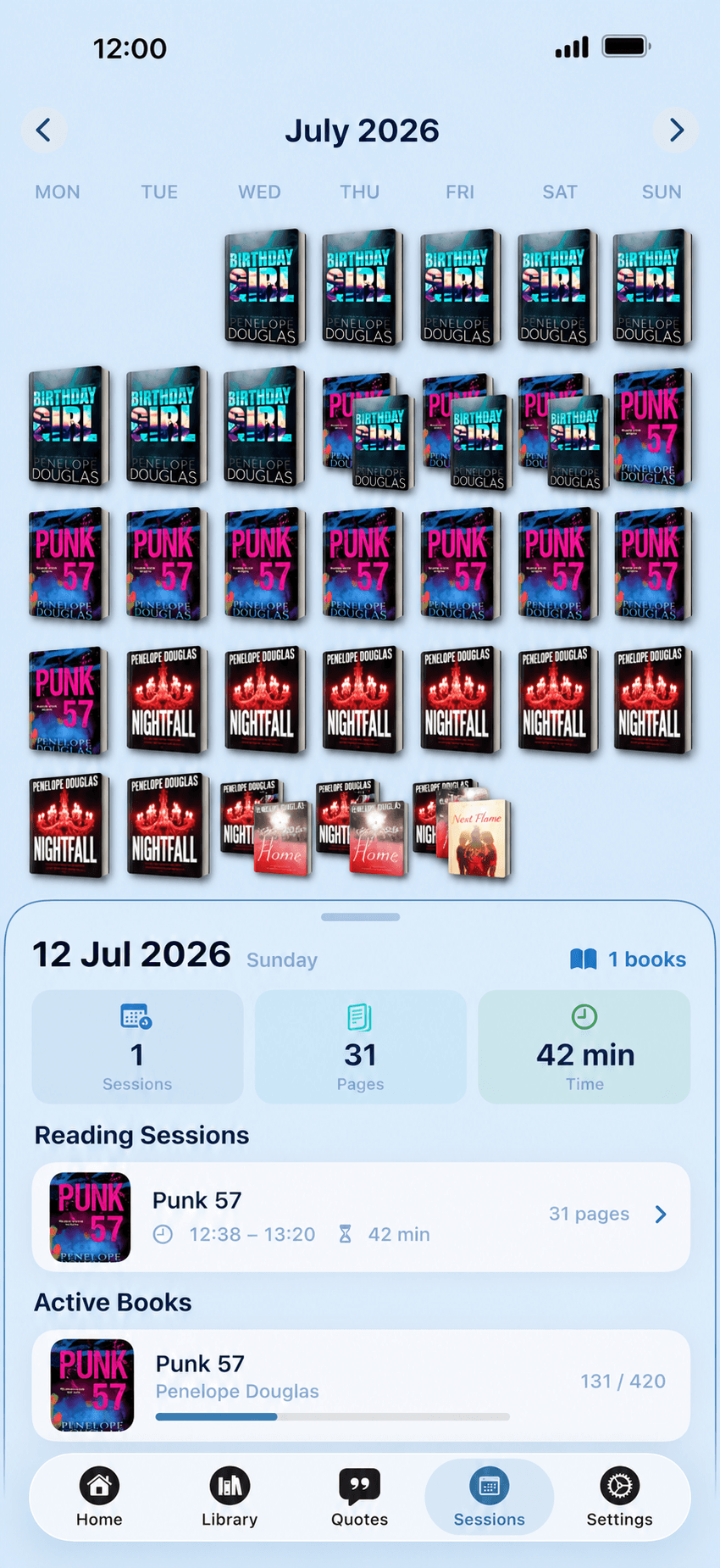
Make a reading memory worth keeping
Choose your month, your books and a design that fits your story.
Share Studio described here is available on iOS. Some features require Premium.
Getting started with share studio
Choose a card type
Open Share Studio and choose a shelf, calendar, quote or other available reading card.
Set the format and design
Choose an aspect ratio and adjust the background, text and layout controls.
Export and review
Save or share the image, then check it before posting wherever you prefer.
An everyday example
You finished four books this month. Make a monthly shelf with covers and your ratings for a square post, then switch to 9:16 and review a second version for Stories.
Questions and answers
Does Share Studio post to Instagram automatically?
No. It exports an image that you can save or share through the available iOS actions.
Which image formats are available?
The iOS format choices include 1:1, 4:5, 9:16, 16:9 and 1.91:1 aspect ratios.
Can I include book ratings?
Monthly and yearly shelf cards support showing ratings. Controls depend on the selected card type.
Why is a card type unavailable?
Some card types need underlying data, such as saved quotes or a selected book-of-the-year result.
Make a reading memory worth keeping
Choose your month, your books and a design that fits your story.
Share Studio described here is available on iOS. Some features require Premium.