
Keep your audiobook progress beside your other books
Track audiobook position, percentages and listening sessions on iPhone. Keep audio, paper and ebook reading history together in Bookleap.
Audio progress described here is for iOS. Bookleap does not include audiobook playback; some features require Premium.
By the Bookleap team · Updated
How Bookleap helps you read
Listening belongs in your reading history too. Bookleap on iPhone lets you track an audiobook’s position in time or percentages and record listening sessions. Keep audio titles alongside paper books and ebooks, while continuing to play the audiobook in the listening app you already use.
Use a position that makes sense for audio
A page number is not always useful when your player shows hours and minutes. Record audiobook progress using a time position or percentage, and keep the title’s duration available when needed for the calculation.
Bookleap is a tracker, not an audiobook store or player. It does not supply audio files, purchase books for you or promise automatic synchronization with a listening service.
Give a listening session its own history
Record the portion listened to in a session and return to the audiobook’s progress later. This separates where you stopped in the recording from the amount of time you chose to record as a session.
Pauses, playback speed and time away from the player can make those numbers different. Check the position from your player instead of assuming elapsed session time is always the same as audio progress.
Keep one personal library across formats
Use book types to distinguish audio, paper and ebook titles while keeping their notes and reading history together. You do not need a second list just to remember the audiobook you finished on your commute.
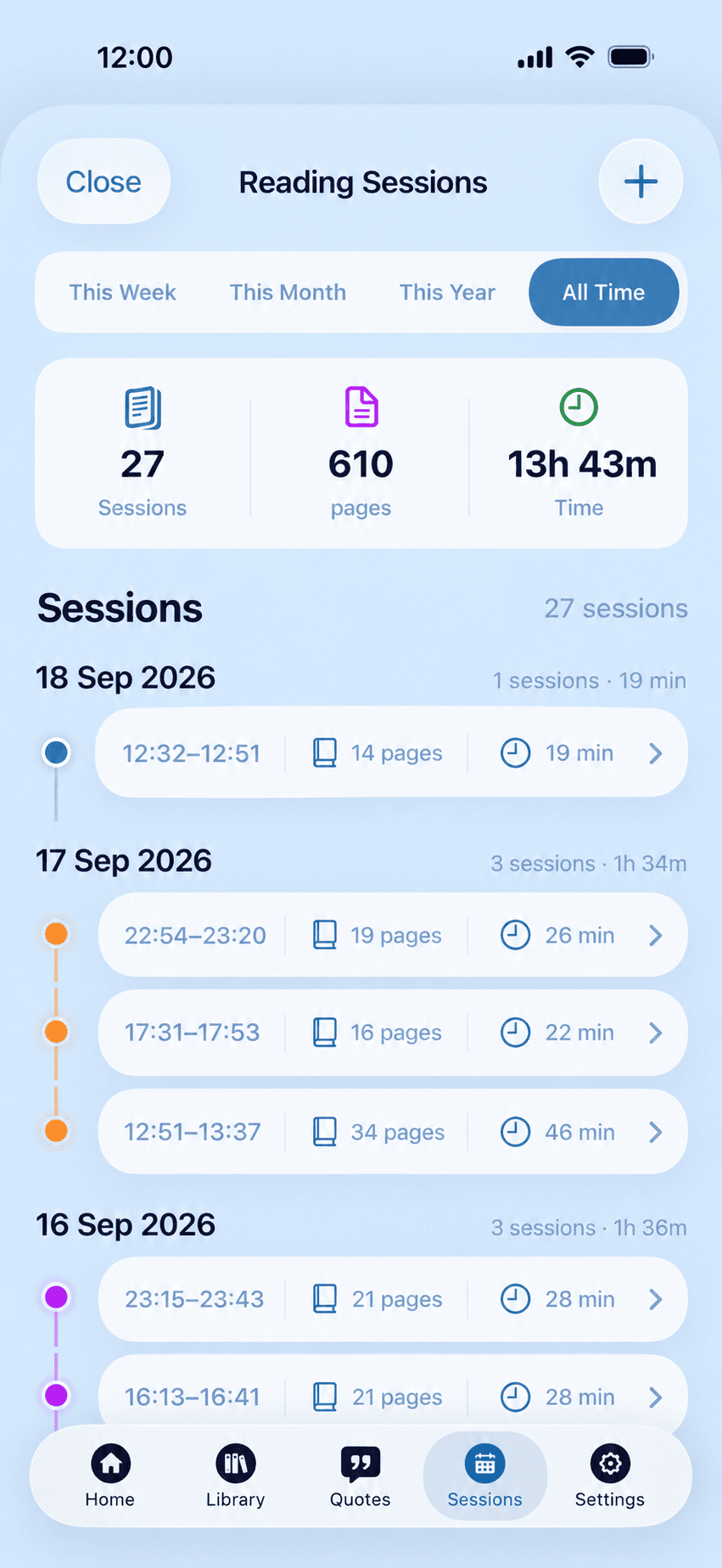
Keep listening in your reading story
Track the audiobook you already have, alongside the books on your shelf.
Audio progress described here is for iOS. Bookleap does not include audiobook playback; some features require Premium.
Getting started with audiobook tracker
Add an audiobook
Create or edit the book with the audiobook type and available duration details.
Record your position
Use the time or percentage shown by your player to update progress.
Save a listening session
Record the session and return to the book’s history when you continue.
An everyday example
Your audiobook player stops at 1:35:00 after a commute. Record that position in Bookleap and save your listening session. At home, your paper novel keeps its own page-based progress in the same library.
Questions and answers
Can I listen to an audiobook inside Bookleap?
No. Use your existing audio player; Bookleap records the book, progress and sessions.
Can progress be recorded as a percentage?
The iOS audiobook workflow supports time positions and percentages. Available duration data affects conversion between them.
Is there automatic Audible synchronization?
This guide does not promise automatic synchronization with Audible or another audio service. Update the position using your player.
Can I track paper books too?
Yes. The library supports paper, ebook and audiobook types with their own progress.
Keep listening in your reading story
Track the audiobook you already have, alongside the books on your shelf.
Audio progress described here is for iOS. Bookleap does not include audiobook playback; some features require Premium.